Trades & home services
Show what you do, where you work, and how to request a quote.
“Add our service area and a form to ask for a quote.”
Turn what you do into a website that brings people closer. Tell Pip about your business. It takes care of the words, design, and pages. You make the final call.

We’re a guitar shop offering instruments and repairs. Make us a warm, welcoming site.



Good guitars. Honest advice.
Something for every player.
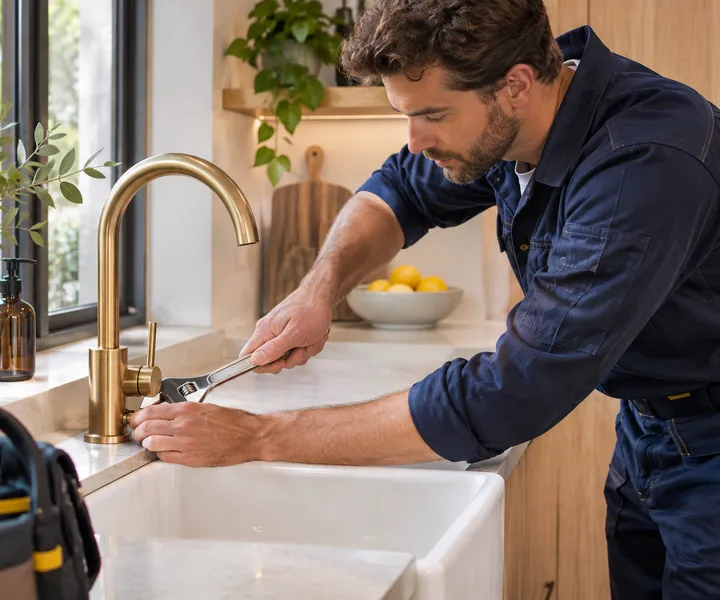
Fixing a leaky tap. Finding the perfect guitar. Baking something worth coming back for. Your website should show people why they should choose you.
Show what you do, where you work, and how to request a quote.
“Add our service area and a form to ask for a quote.”
Give your products, your expertise, and your story a home.
“Show our guitar repairs alongside the instruments we sell.”
Make your menu, opening hours, and location easy to find.
“Update our dinner menu and add photos of the restaurant.”
Introduce your services and help people take the next step.
“Add our classes and a way to ask about availability.”
You bring the know-how. Pip brings it to the page.
Start with your business name. Describe your services, your customers, and the feel you’re after. Pip asks questions to fill in the gaps.
Pip writes and designs your pages. Add your photos, ask for images, and shape the draft with feedback in your own words.
 Pip“I’ve added your services and a contact form. Take a look at the preview.”
Check the preview on desktop and phone. Ask for another edit or publish when it feels right. Come back to update it any time.
 Just ask Pip
“Swap in our new seasonal menu.”
“Add a page for our repair services.”
“Show our holiday hours and new cakes.”
Your website shouldn’t become one more thing you put off. Come back to Pip whenever your business changes, and keep it up to date without learning an editor.
Update your pages, copy, and images through chat.
Compare your page before and after.
Review the preview, then publish your changes.
Give visitors a way to ask a question while they’re on your site. Your customer support agent answers from your published pages and the instructions you give it.
Help visitors with services, hours, and more.
Let interested visitors leave their contact details.
Find messages in your Inquiries tab.
Make it easy for customers to see if you serve their area or find your business in person. Pip can add an embedded Google Map to your pages.
Show the area you serve, from home services to delivery.
Help customers find your shop, restaurant, studio, or office.

The sidekick for the job you never quite have time for. Pip helps with the writing, the design, and the next round of changes, so you can get back to the business you know best.
Start a conversationHere’s how it works.
No. Start with your business name, then tell Pip about what you do and what you want on your site. Pip handles the writing, layout, and styling. You review the draft before publishing.
Small and medium-sized businesses that need to showcase what they offer and help customers get in touch: plumbers, guitar shops, bakeries, restaurants, salons, studios, consultants, and more.
Yes. Upload your own photos in the chat or media library. If you’re missing an image, Pip can generate one, and you can replace it later. Real photos of your business are a great place to start.
Come back and ask Pip. Add a service, change your menu, rewrite a page, or try a new look. Preview the draft, ask for more changes, or publish it when you’re happy.
It’s an optional chat on your website that answers questions using your published pages, business details, and instructions. Visitors can leave their contact details to create an inquiry. You can test it in the app before switching it on. It doesn’t answer phone calls or emails.
Yes. Enter your domain in Settings and add the required DNS record with your domain provider. You can use your site’s included web address until then.
Yes. Your site adapts to smaller screens, and you can check the phone preview before publishing.
Contact forms send messages to your Inquiries tab. You can also show your phone number and email, and switch on the visitor assistant to collect contact requests through chat.
Online checkout and booking calendars aren’t built in yet. The app is designed to showcase your business, answer visitors’ questions, and collect inquiries.
Tell Pip what your business offers. Get a website that shows it clearly and helps customers get in touch.
Build my website